
What I look for in a developer's clipboard
Generic roundups rank history depth, sync and shortcuts. Six other capabilities separate these apps for someone who writes code.
Format and inspect without a browser tab: Klipto shows Pretty, Minify and Keys on anything it reads as JSON, plus minify and strip for HTML and CSS, applied at the moment you paste (JSON and code transforms, or format one blob in the browser).
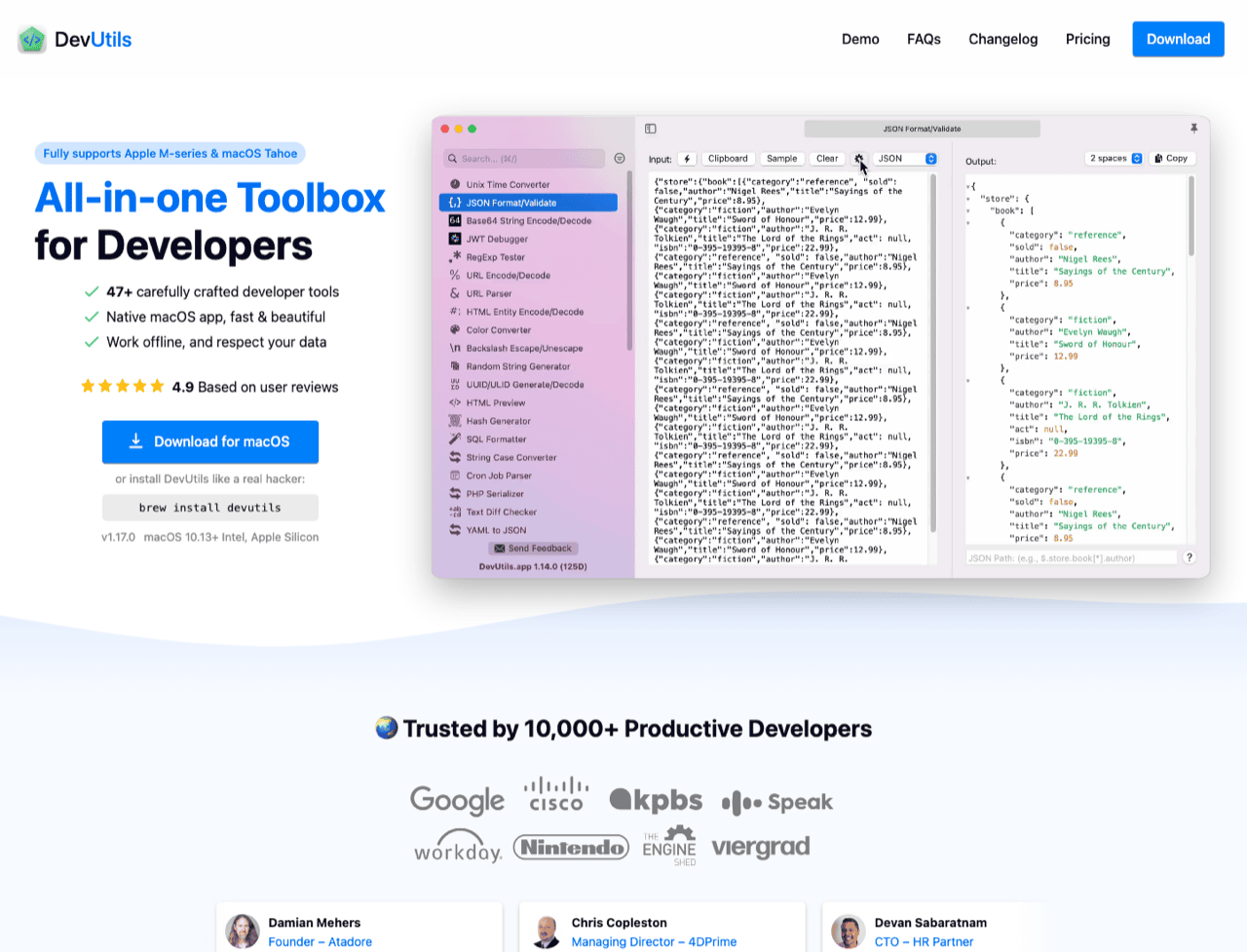
Decode tokens without a server: JWTs, Base64 blobs, URL-encoded query strings, escaped JSON out of a log line. Klipto counts encoded strings among the 22 content types it detects, so decode already sits on the chip row when the preview opens. ClipBear, DevUtils and Boop decode in their own windows, and all four keep the token on the machine.
Colours in the format your code wants: HEX to RGB to HSL is the minimum, and free web tools do it. Klipto round-trips a copied colour into SwiftUI Color, UIColor, NSColor, a CSS custom property and a Tailwind class, so the string compiles as pasted (the colour converter). ClipBear stops at the three web formats. Raycast, Alfred, Pastebot, DevUtils and Boop emit no platform colour initialisers at all. Nobody else is close here.
Identifier case, in every convention you use: camelCase in JavaScript, snake_case in Python and Postgres, kebab-case in CSS and URLs, CONSTANT_CASE in a .env, dot.case in config keys, plus slugs and transliteration. Klipto ships the whole set, one click each (case transforms). ClipBear has no case set at all, and the ranking listicles never mention the criterion.
Paste several values in order: Klipto's Stack releases collected items one per ⌃⌘V, counting down what is left. A chosen key (Tab, Enter, an arrow) fires after each paste, so focus moves itself. Split Copy turns a selected block into one queue item per line. Pastebot does ordered pasting on the same ⌃⌘V, and it did it first.
Text out of a screenshot: copy a stack trace as an image, then find it three days later by a word inside it. Klipto reads the text on device and searches it across history (OCR search). Raycast and ClipBear do text recognition too, so treat it as a shared capability rather than a reason to switch.
Transforms compose. Tap two and they apply in order, so one paste can produce a pretty-printed payload with lowercased keys, and the chain stays on the chip row until you clear it.
The row is built from what Klipto detected, which is why a colour and a JSON blob never offer each other's actions. All of it happens in the app process on your Mac, with no request leaving it.
Where the work happens
Dev toolboxes are a window you open. DevUtils, Boop and DevToys take a paste, run the tool, and you copy the result out. Depth is the payoff: DevUtils has 47+ tools, Boop runs arbitrary JavaScript. The cost is three or four extra actions every time.
Clipboard managers put the surface on the paste. Klipto and Pastebot transform on the way out: pick it in the popup, press paste, done. Raycast sits between, with history in the launcher and transforms as separate extension commands.
Neither model wins. Reformat SQL twice a week and a toolbox is fine. Reshape text twenty times a day across Xcode, a terminal and a browser form, and the round trip is what you will resent.
Mac clipboard managers for developers, compared
| Klipto | ClipBear | Raycast | Alfred | Pastebot | DevUtils | Boop | |
|---|---|---|---|---|---|---|---|
| Clipboard history | Yes | Yes, 10 items free | Yes, 3 months max on free | Powerpack only | Yes | No | No |
| Transform runs on the paste | Yes | In its own app | In the launcher | No | Yes | Own window | Own window |
| JSON format / minify | Yes | Yes | Extension | No | Shell filter | Yes | Yes |
| JWT / Base64 decode | Yes, auto-offered | Yes | Extension | No | Shell filter | Yes | Yes |
| Colour to SwiftUI / Tailwind | Yes | HEX/RGB/HSL only | No | No | No | No | No |
| Identifier case set | Yes, full set | No | Extension | No | Change Case filter | Yes | Yes |
| Ordered multi-paste | Yes, ⌃⌘V | No | No | ⌘C ⌘C append | Yes, ⌃⌘V | No | No |
| Text from images (OCR) | Yes, searchable | Yes | Yes | No | No | No | No |
| Timestamps / UUID / cron | No | Yes | Extension | No | Shell filter | Yes | Partly |
| Scripting | No | No | Extensions | Workflows | Shell filters | No | JavaScript |
| Runs offline | Yes | Yes | History local | Yes | Yes | Yes | Yes |
| Price | $19.99 once | $15/yr | Free, Pro $8-10/mo | £34 once | $39 direct or $24.99/yr | $29-39 once | Free |
| Free tier | Yes, permanent | Yes, 10 items | Yes | No | No, 14-day trial | No | Free app |
| macOS | 14+ | Recent releases | Recent releases | Recent releases | 26 Tahoe | 10.13+ | Recent releases |
Honest take on each
Raycast, already on your Mac
Best for: free history, search and text recognition.
Raycast is the real default competitor, because most developers installed it months ago. Clipboard history is native, local and filterable by type, with paste-as-plain, inline editing, snippet conversion and text recognition in two accuracy modes. For recovering yesterday's copy, the free tier is genuinely enough.
The free plan keeps clipboard items for at most three months. Transforms live in community extensions you run as separate commands, and Pro is $8 a month billed annually or $10 monthly. Text is never transformed at the moment you paste it.
Pastebot, the real functional rival
Best for: macOS 26 Tahoe users who will assemble filter chains.
Pastebot deserves the credit. Its filters chain, run on the paste, preview live, take per-filter hotkeys, and can include a shell script. Its Stack pastes sequentially on ⌃⌘V, the same idea and shortcut as ours.
Two things decide against it. It requires macOS 26 Tahoe, so Sonoma and Sequoia machines cannot run it. And it costs $39 direct with a year of updates, or $24.99 a year on the App Store, against $19.99 once. Presets are the last difference. Pastebot's filters are mostly yours to build, while Klipto's ship ready.
ClipBear, which owns the positioning
Best for: developers who decode timestamps, UUIDs and cron expressions all day.
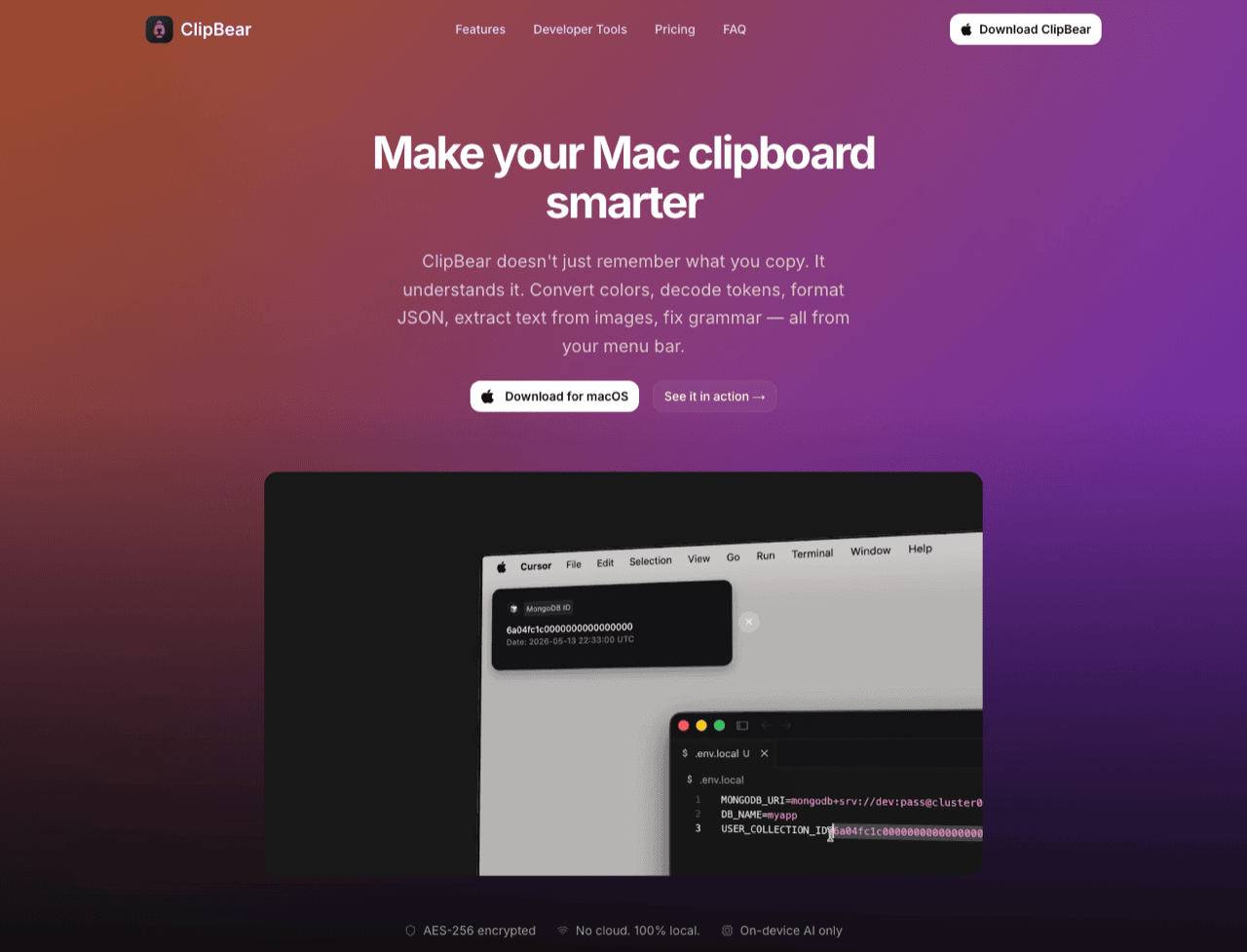
ClipBear holds the literal "clipboard manager for Mac developers" slot and earns parts of it. Unix and ISO timestamps, UUID v1 through v7, MongoDB ObjectIDs, cron expressions translated into English, JSON key quoting, JWT decode. Then HEX/RGB/HSL, HTML entities, URL and email extraction, OCR, image conversion, AES-256-GCM at rest, no cloud. On timestamps, UUIDs and cron it beats Klipto outright, because we have none of the three.
Where it stops: no identifier case set, no platform colour output past the three web formats, no ordered multi-paste. Its free tier is a 10-item history. Pro is a $15 a year subscription with a 14-day trial and a 500-item cap, and the AI grammar feature wants macOS 15.1 on Apple Silicon.
DevUtils, deeper than us
Best for: the deepest toolbox, when clipboard history is not the point.
DevUtils is deeper than Klipto and saying otherwise would be dishonest. 47+ tools: JSON, HTML, CSS, JS and SQL formatting and validation, YAML to JSON, number bases, Unix time, JWTs, regex and diffs, UUID, hash and QR generation, Base64, URL, entity and certificate decoding. Smart Detection reads the clipboard and picks the tool for you, offline, on macOS 10.13 and up.
The clipboard half is missing: no history, no search, no snippets, no paste-time transform. Pricing is one-time at $29, $39, or $24 per device for teams, with a year of updates, a discounted renewal and a 30-day refund. There is no free tier.
Alfred
Best for: Powerpack owners with a workflow habit.
Clipboard history sits behind the Powerpack, £34 one-time and £59 for the Mega Supporter tier, and retention tops out at three months. Snippets and text expansion are strong. ⌘C ⌘C appends a clip to the previous one, which covers a two-value paste and not a six-value one. Transforms live in Workflows you build, outside the clipboard viewer. Real capability, real setup time.
The free end: Boop, Mimer, DevToys
Boop is a free, open-source scratchpad with 4.2k stars: paste text, run a script, copy the result. Built-in scripts cover HTML, Base64 and URL encode-decode, JSON and XML formatting, MD5, reversing and removing slashes, and custom scripts are plain JavaScript. Its README calls progress "slow yet steady". No clipboard history, no paste integration, no detection, and nothing here competes with it as a free scriptable text bench.
Mimer is a free MIT clipboard manager with a ⌘K transform palette. Case, slugify, Base64, JSON format, JSON to TypeScript, JWT, Unix to ISO, sort and dedupe, strip tracking params, encrypted at rest, macOS 14+. The pitch is close to ours, which I notice. At v0.2.2 it is immature. DevToys is a free cross-platform toolbox named in roundups as the DevUtils alternative.
Secrets, and what a clipboard manager knows
Online formatters see everything you paste. A JWT with a live session, a DB connection string, an API key in a config block. Boop's own pitch is built on that instinct. An offline transform is a security control.
A clipboard manager sits on the same problem from the other side: it records what you copy. Klipto runs every transform locally and touches the network only to check for updates, so nothing you paste goes out. It does store password-manager copies. Settings → General has an option that excludes copies a password manager marks as concealed, off until you switch it on. Switch it on before secrets start passing through your clipboard.
Where Klipto fits
Klipto is a paste layer over clipboard history. It detects 22 content types and shows only the transforms that fit (type detection). The list runs from code, JSON, HTML and CSS through encoded strings, passwords, payment cards, phone numbers, colours, links and emails to images, files, folders and Figma content. Around 20 transforms sit behind it. JSON and HTML/CSS reshaping, JWT and Base64 decode, the colour set with SwiftUI and Tailwind, the full identifier case set, per-line affixes, Anti-LLM cleanup, and live character, word, line and token counts. Each applies on ⌘V, in any app, offline.
Above them sit the Stack, Split Copy, unlimited local history with OCR search, snippets and folders. macOS 14 and later, universal binary, 5 MB to download and 11 MB installed, no Electron.
Pricing: $19.99 one-time, no subscription and no annual updates fee. A 14-day full Pro trial starts on first launch, no card and no account, with a 30-day money-back guarantee. The free tier is permanent and deliberately narrow, the 5 most recent items in the popup with paste. History keeps recording underneath, so buying later reveals everything already collected. One licence covers all your Macs with no device count, and activation is an offline signed key.
Pick something else if: you want 47 tools in one window (DevUtils), you will write JavaScript (Boop), or you only need free searchable history (Raycast's free tier). Also if you run macOS 26 and live in shell scripts (Pastebot), or decode cron expressions, UUID versions and timestamps daily (ClipBear).
Download Klipto and run it during the 14-day trial beside whatever you use now. Pricing.