
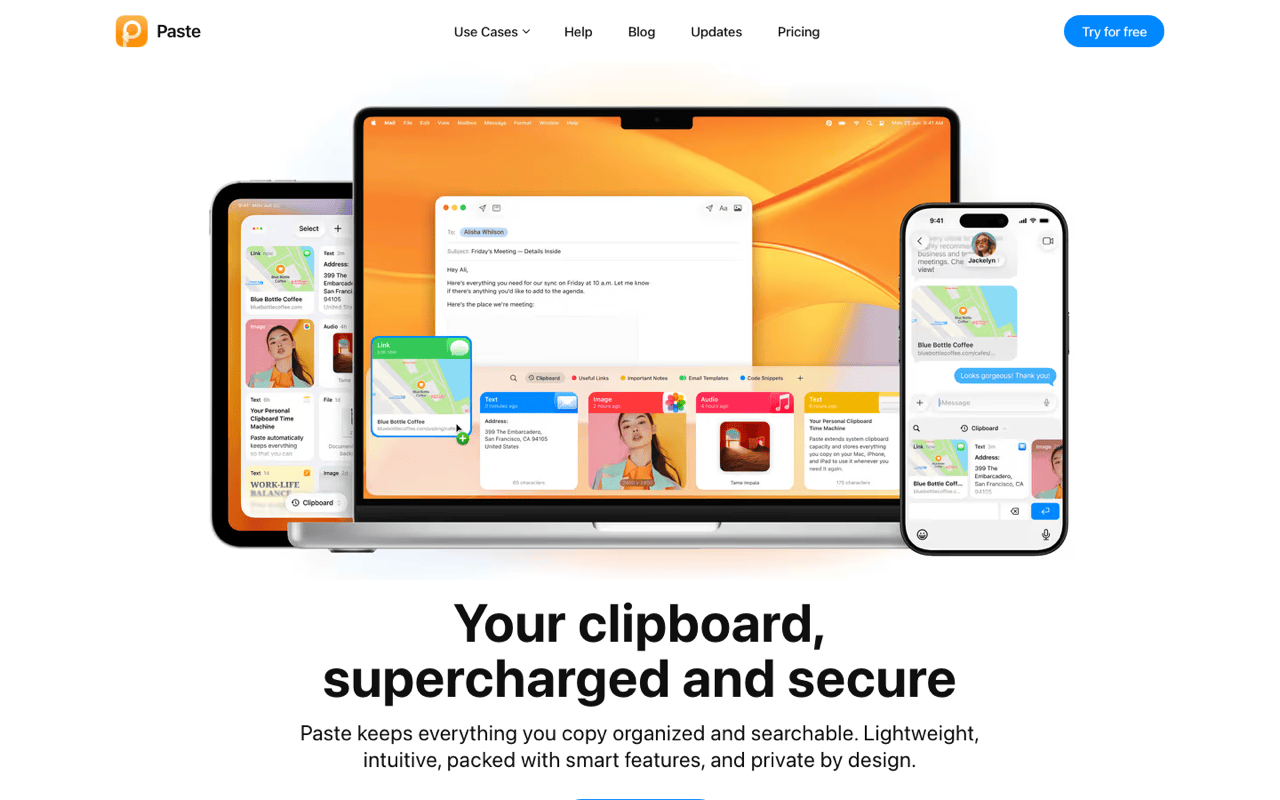
What Paste costs on every channel
The price depends on where you buy, and most comparison pages quote one channel only.
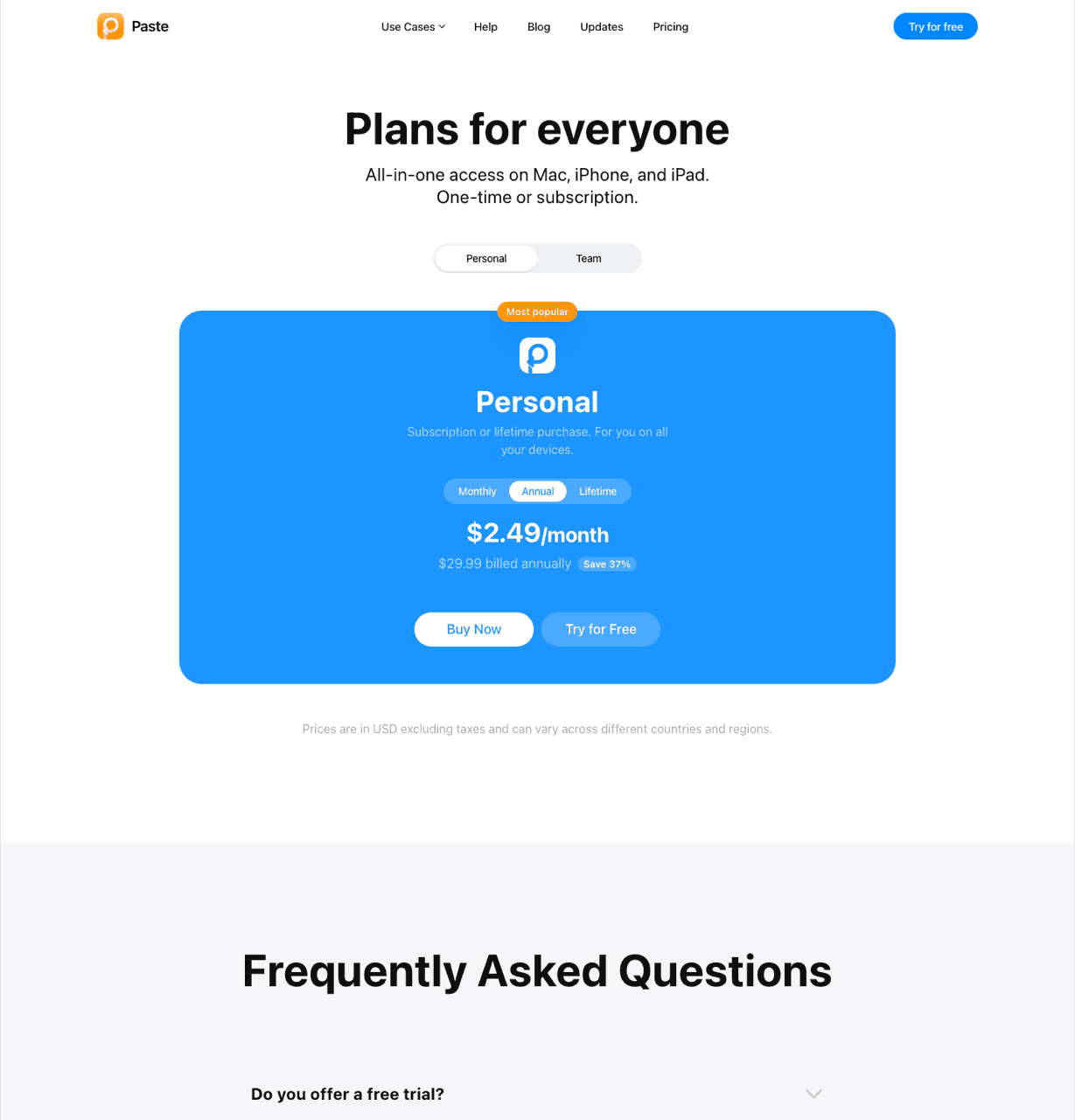
Direct from pasteapp.io: $2.49 a month or $29.99 a year, with a 7-day trial on either plan. There is no permanent free tier. The pricing page states no refund policy. Students get 30% off.
In-app purchase on the Mac App Store: $3.99 monthly, $29.99 annually, Family $59.99, Legacy $9.99, and Lifetime at $89.99 covering Mac and iOS. The lifetime option sits at the bottom of the purchase list instead of on the pricing page, so hardly anyone mentions it. If you are staying with Paste for years, $89.99 beats $29.99 every year forever, and in my opinion that is the sensible way to buy it.
Through Setapp: Paste is in the bundle, listed from $14.99 a month. Already subscribed? Then no price argument on this page applies to you.
Three years on the annual plan is $89.97, and access ends when payment does. Three years of Klipto is $19.99, updates included. The honest framing: $19.99 buys one Mac a paste layer, $89.97 buys a clipboard synced across your Apple devices.
Where Klipto goes further
The Stack holds a queue, and after each paste Klipto presses a key you choose: Tab, Enter, Shift+Enter, an arrow, Esc, a space, ", " or "; ". Set it to Tab and a five-field form is five presses of one shortcut, because focus advances itself.
Split Copy fills that queue in one step. Press ⌃⌥⌘C on a block of text and every line becomes its own item. Consumed items cross out and a counter shows how many are left, which is the part that matters halfway down a long form.
Transforms run on ⌘V. Klipto works out what you copied across 22 content types and offers only the actions that fit: plain and rich text, code, JSON, HTML, CSS, passwords, numbers, payment cards, phone numbers, encoded strings such as JWT and Base64, images, documents, spreadsheets, links, emails, colours, video, audio, files, folders and Figma content. Roughly 20 transforms sit behind that detection. Anti-LLM cleanup strips em dashes, curly quotes and invisible characters. Colour conversion moves between HEX, RGB, HSL, SwiftUI, UIColor, CSS and Tailwind. Add JSON pretty and minify, eleven case styles, JWT and Base64 decode, card and phone masking, and a live character, word, line and token count. It all runs offline, in whatever app has focus, at the moment you press ⌘V. Paste's formatting story is a toggle: keep formatting, or paste plain.
The transform layer, the content-type detection, the Stack and the OCR are Klipto's own.
Search finds text inside screenshots. Paste indexes your clips and previews images. Reading the words inside them is not in its published feature list. Klipto runs on-device text recognition, so a screenshot of an invoice comes back when you search the invoice number. Several clipboard managers do this now, so OCR search is not unique to Klipto.
Hold, glance, release. Hold ⌥⌘V and the popup appears. Let go and the highlighted item pastes, with no window to dismiss. Hold-to-paste is what people notice on day one.
The free tier is permanent and it keeps recording. Klipto shows the 5 most recent items in the popup, with paste, and asks for no card and no account. Underneath, the full history keeps recording the whole time, so buying a licence later reveals everything already collected instead of starting you from zero. There is a 14-day trial of the whole app first and a 30-day money-back guarantee after. The licence is an offline signed key with no device count and no expiry. It covers every Mac you own and never contacts a server.
One app is 5 MB and the other is 154.6 MB. That is the size the Mac App Store lists for Paste. Klipto is about 5 MB to download and 11 MB installed, one universal binary for Apple Silicon and Intel, no Electron. Both need macOS 14 or later.
What Paste does better than Klipto
Cross-device sync. Copy a link on the Mac and paste it into a message on the iPhone thirty seconds later, over your private iCloud. Klipto has no equivalent and no partial version of it. For a lot of people that one feature is the whole product.
The iOS keyboard. Clipboard history reachable from inside the keyboard on iPhone and iPad. Nothing else in this category matches it, and Paste's own users mention it most.
Shareable pinboards. Paste's pinboards can be shared with other people. Klipto's snippet folders are local and private, which is a different thing rather than a smaller version of the same thing.
Design and track record. Paste's card carousel is the best-looking clipboard interface on the Mac, and there is a real design team behind it. The app has shipped since 2015 and holds 4.2 stars from around 1,300 Mac App Store ratings. Klipto is new. Ten years of releases counts for something, and pretending otherwise would tell you more about this page than about Paste.
A family plan and Siri Shortcuts. $59.99 covers a household, and Paste exposes Shortcuts actions. Klipto has neither.
Paste vs Klipto side by side
| Klipto | Paste | |
|---|---|---|
| Price, vendor site | $19.99 once | $2.49/mo or $29.99/yr |
| Price, Mac App Store | Direct download only | $3.99/mo, $29.99/yr, Family $59.99, Lifetime $89.99, Legacy $9.99 |
| Also sold via | No | Setapp, from $14.99/mo |
| Free tier | Permanent, 5 recent items with paste | None, 7-day trial |
| Trial | 14 days, full Pro | 7 days |
| Refunds | 30-day money-back | Not stated on the pricing page |
| Three-year cost, annual plan | $19.99 | $89.97 |
| Devices per licence | All your Macs, no count | Per subscription, Family $59.99 |
| Platforms | Mac only | Mac, iPhone, iPad |
| Sync across devices | No | Yes, private iCloud |
| iOS keyboard | No | Yes |
| Shareable pinboards | No, local folders only | Yes |
| Siri Shortcuts | No | Yes |
| Unlimited local history | Yes | Yes |
| Paste several items in order | Yes, the Stack | Yes |
| Auto-advance key after each paste | Yes, you pick it | Not documented |
| Keep formatting or paste plain | Yes | Yes |
| Search text inside screenshots | Yes, on-device OCR | Not in the published feature list |
| Transforms at paste time | About 20, by content type | Plain-text toggle |
| Content-type detection | 22 types | Type-aware, no published count |
| Drag a batch into Figma | Yes, Collect | Not documented |
| Clipboard leaves the Mac | Never | To your private iCloud |
| Download size, as listed | About 5 MB | 154.6 MB |
| macOS required | 14.0+ | 14.0+ |
Switching from Paste to Klipto
There is no importer. Paste keeps its history in its own store, and Klipto starts recording the moment you install it. Before you cancel anything, copy the pinboard items you actually reuse into Klipto snippet folders by hand. In practice that is ten or fifteen things.
Cancel in the right place. For an App Store subscription, go to System Settings, then your Apple Account, then Subscriptions. For a pasteapp.io subscription, cancel on their site. A lifetime purchase needs no cancelling.
Run both for a week. The 14-day Pro trial covers it. If you leaned on sync more than you thought, a week is long enough to find that out before cancelling.