
What cloud dictation actually sends
Dictation is not a keyboard. It captures a recording of your voice and, in the cloud case, uploads it. Whatever you were saying at the time goes with it: the client name, the salary figure, the half-formed idea you would never type into a web form.
Vendors handle that responsibly or they do not, and you cannot check from the outside. Reading a retention policy tells you what a company promises today. On-device processing removes the question instead of answering it, which is why I stopped weighing policies and changed tools.
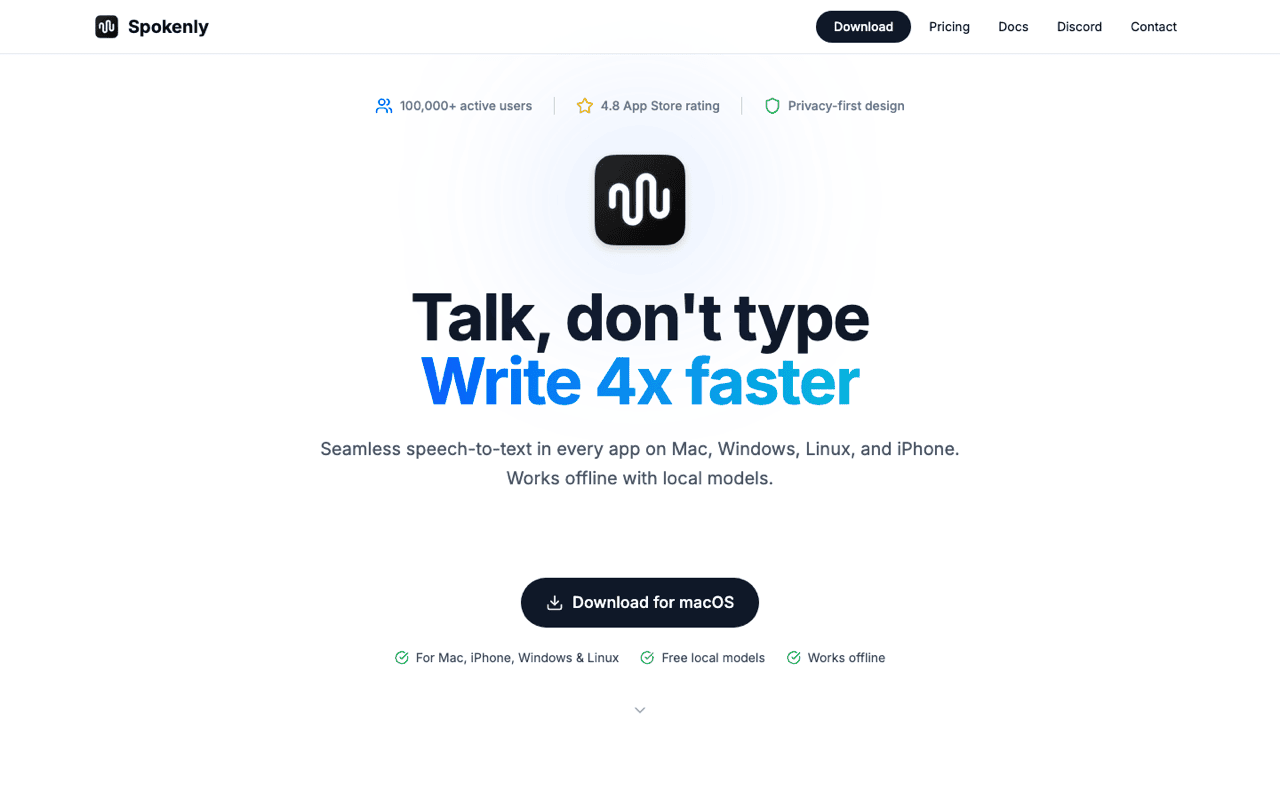
Spokenly, free and on-device
Spokenly runs local speech models on Apple Silicon and types into any text field. Hold a shortcut, talk, release, and the text appears in whatever app has focus. Nothing goes out over the network, so it also works with the Wi-Fi off, on a plane, in a hotel with captive portal nonsense.
Text recognised inside a copied image, then searched from the same window. Recognition happens on the Mac, so the image is never uploaded to run it.
The pattern is the same one that makes local dictation worth the trade. Processing on device removes the question of what a server keeps, rather than answering it with a policy page.
It can also call cloud models if you point it at them, which puts you back where you started. I leave that switched off. The local path is the reason I installed it.
The honest limitation: local models have to be downloaded, the first run takes patience, and transcription quality trails the best cloud services on long dictation and on heavy technical vocabulary. Punctuation and formatting are also less clever than a paid service that post-processes your text with a language model.
What Wispr Flow still does better
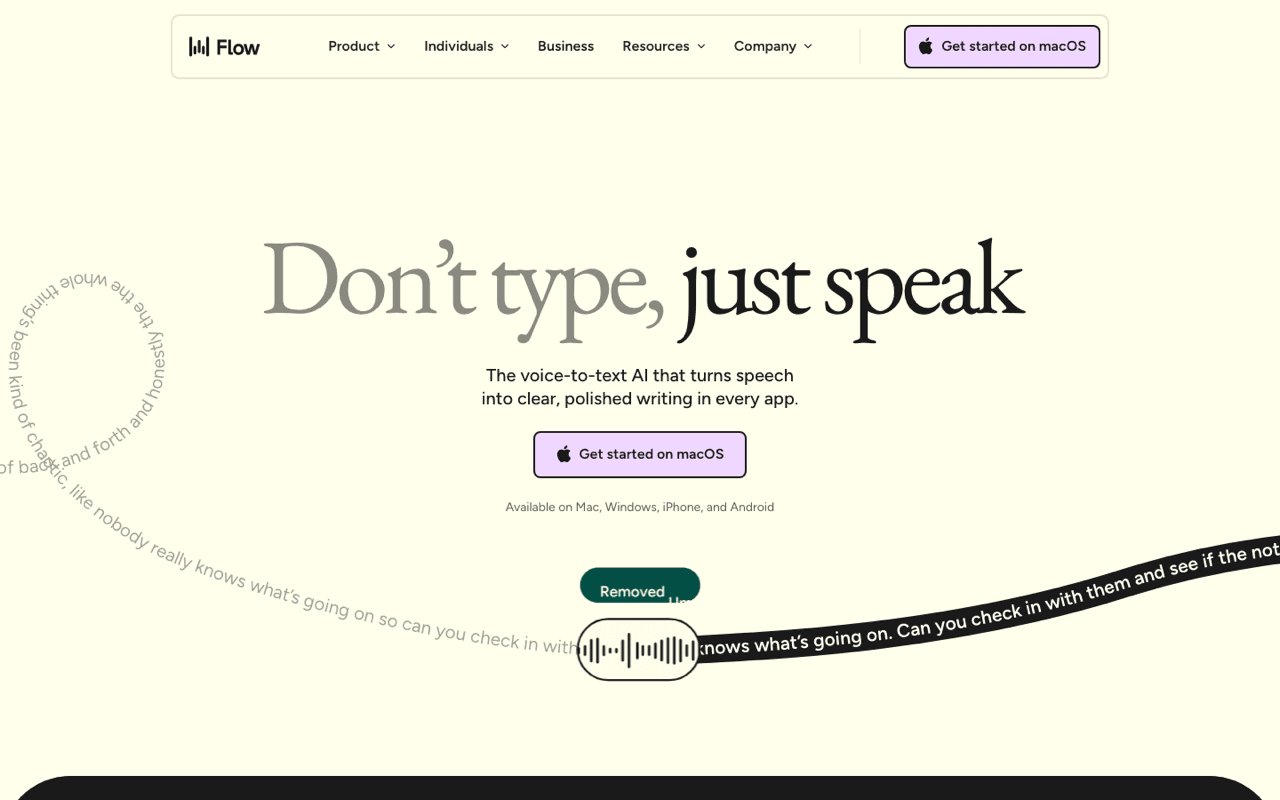
Wispr Flow is a subscription, and its onboarding is the best I have seen. It extends your trial when you actually use the product. Not for watching a video, not for filling in a survey, for real usage. That aligns the free period with the moment the tool becomes a habit, and it is the only gamified retention I have seen that did not feel manipulative. I took notes for my own onboarding.
The dictation itself is good. It formats as you speak, it handles messy speech, and it works consistently across apps. If your only criterion is text quality out of the box, it is a stronger product than what I switched to.
The honest limitation: it is cloud based, so the audio goes to their servers, and it is a recurring cost. At $15 a month, that is real money for something an on-device tool does 90 percent as well.
Google's dictation did not stick
I tried Google's dictation and went back to local. It was competent and it did not become a habit. I am not going to dress that up as a technical verdict. Part of it is that it is another cloud service, and part of it is that switching a daily input method has a high bar. If you already live in Google's tools it may fit better for you than it did for me.
Apple's built-in dictation
Before you install anything, press the microphone key. macOS keyboard dictation is available in every text field. Apple states it runs on device for many languages on Apple Silicon. It costs nothing and it needs no third-party permissions beyond the microphone.
The honest limitation: it stops on its own during long passages, its punctuation handling is basic, and there is no custom vocabulary. For a short message it is fine. For dictating a page of notes it wears you down.
Where local dictation stops being the right answer
Accuracy is the trade, and it shows up in specific places. Strong accents, two people talking, industry jargon and long uninterrupted paragraphs are where the big cloud models still win clearly. If your transcripts feed a paid deliverable, the accuracy difference may be worth more than the privacy.
Local also has a cost you can measure. Transcription on device uses the CPU and GPU, so a long session on battery drains more than shipping audio to a server. On a plugged-in desktop this is irrelevant. On a laptop at 15 percent it is not.
There is no sync either. A local model on my Mac knows nothing about my phone, so dictation on iOS is a separate arrangement. Cloud services hand you every device for one price, and that is a genuine advantage for anyone who dictates on the move.