
CleanShot X vs Shottr

One is the polish benchmark, the other is a speed obsession. I keep both, and here is why.

Two Mac screenshot apps sit on my machine at the same time, for different reasons. CleanShot X is my reference point for how a small Mac utility should feel, and Shottr is about 1 MB and faster than the system screenshot tool. If you want one answer, keep reading, because the honest one depends on whether you record video.

What macOS already gives you free

Press ⇧⌘5 for the capture bar, or ⇧⌘4 for a region, and you get a thumbnail in the corner with basic markup behind it. Screen recording is in the same bar. Live Text pulls words out of an image in Preview and Quick Look, so simple text grabs need no third-party app at all.

The gaps are specific. There is no scrolling capture, so a long page has to be stitched by hand. There is no way to pin a shot on screen while you work from it. Annotation is limited to what Preview markup offers, which is fine for an arrow and poor for anything you plan to publish.

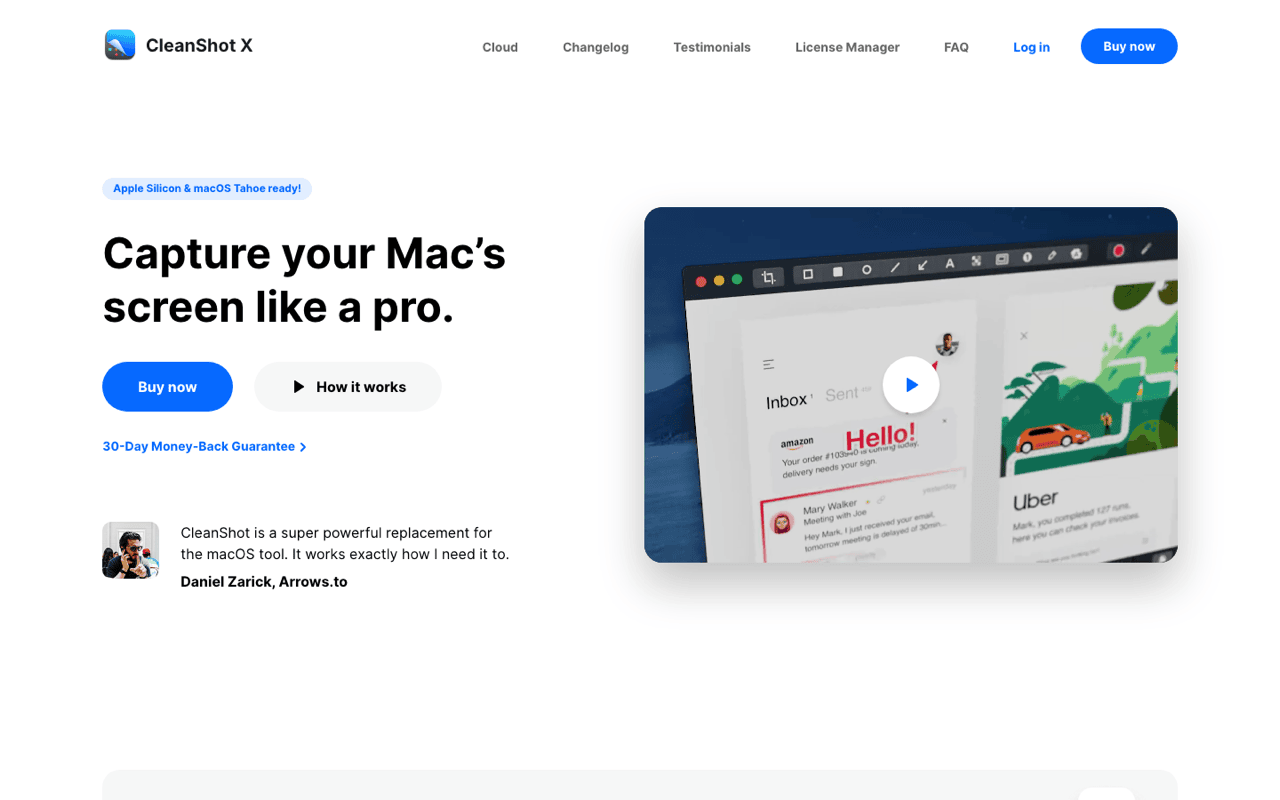
CleanShot X, the app I measure others against

CleanShot X is paid, and it earns the money on finish. Scrolling capture works on real pages instead of failing halfway. Annotation has proper arrows, blur, step numbers and a text tool that does not fight you. OCR pulls text straight out of a capture. Shots can be pinned as floating windows, the desktop icons hide during capture, and screen recording exports video or GIF. Nothing about it feels bolted on, and that is the part I copied into how I think about my own app.
Text recognition inside a copied image, running on the Mac at the moment of the copy rather than on a server. The recognised text goes to the clipboard as text, so it can be pasted into any field.

OCR quality tracks the source. Clean UI screenshots at Retina scale read almost perfectly. A photo of a whiteboard at an angle does not, whichever tool you use.

The pricing model, without a number. CleanShot X sells a licence for the app, and hosted links live behind a separate cloud plan you do not have to buy. It is also part of the Setapp bundle, which is where a lot of people meet it. I am not quoting a figure here because the tiers move, and a wrong price is worse than no price.

The honest limitation: it is a paid app with an optional subscription attached, and it is not open source. If your screenshot life is a region grab twice a week, the system tool covers you and CleanShot is money for polish you will not see.
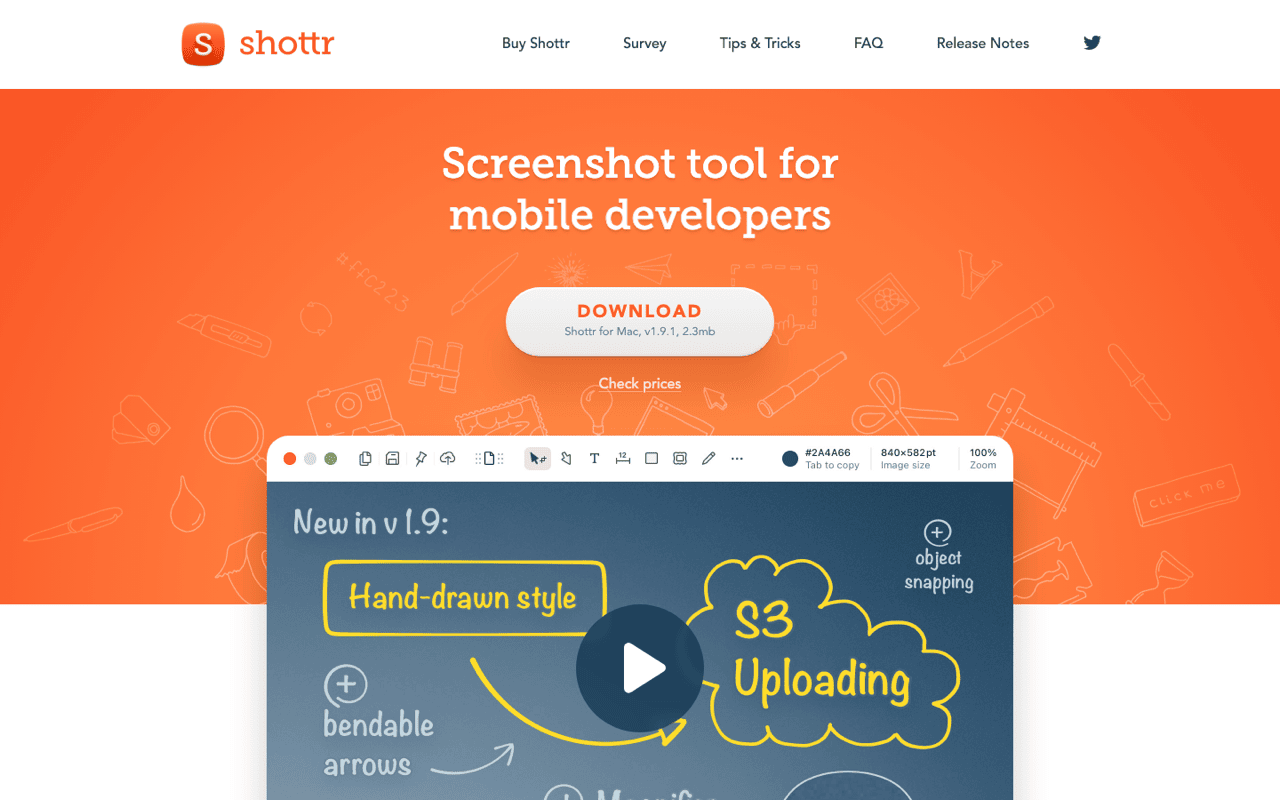
Shottr, roughly 1 MB and quick about it

Shottr is small in a way that has become rare. The download is around a megabyte, it launches instantly, and the capture appears before the system tool has finished animating. It is native Swift, not a web view wrapped in an app. That kind of restraint is the standard I hold my own work to, so I keep it installed even on machines where CleanShot is present.

The feature list is longer than the size suggests: scrolling capture, OCR, a pixel colour picker, measurement in pixels, backdrops for presentation shots, QR code reading, and annotation that covers the common cases. For file bugs, measure spacing and read a value off a mockup, it is the one I open.

On price, check the site. Shottr is downloadable free from shottr.cc, and the developer has added paid tiers over time. I am not going to state the current terms from memory. Look at the site before you plan a team purchase around it.

The honest limitation: Shottr is about still images. It does not record screen video, so a demo clip needs a second app.

How I actually record a demo

For app demo videos I record with CleanShot and show the keystrokes with KeyCastr. KeyCastr is free and open source on GitHub, and it draws the keys you press as an overlay, which matters when the whole point of the clip is a keyboard shortcut. Without it, viewers watch a window change and have no idea what you pressed.

KeyCastr needs Accessibility permission, and its display is plain. There is no styling worth speaking of and no per-app filtering that I have found useful. It does the one job.

Where the comparison stops mattering

Both apps ask for the same permissions, Screen Recording and, for some features, Accessibility. If your organisation locks those down, the decision is made for you before price enters the conversation.

The second thing worth saying plainly: these tools overlap by about 80 percent. Region capture, annotation, OCR, scrolling capture and clipboard copy exist in both. Nobody needs both, and I keep both only because I test small Mac utilities for a living and because one of them records video. Pick the paid one if screenshots are part of your output and you want the finish. Pick the free, tiny one if speed and disk footprint are what bother you. Pick neither if ⇧⌘4 has never let you down.

Frequently asked questions

Does Shottr do scrolling capture?

Yes. It captures long pages and stitches them, in the same way CleanShot X does. Results depend on the app being scrolled, and both tools occasionally produce a seam in a window with lazy loading.

Which one has better OCR?

Both are good on clean, high resolution screenshots of text, and both degrade on photographs. macOS Live Text already handles the simple case in Preview and Quick Look, at no cost.

Can I use CleanShot X without a subscription?

Yes. The app licence and the cloud hosting are separate purchases, so you can buy the app and never touch the hosted links. Setapp is the other route in.

Is either one open source?

No. Both are closed commercial apps. KeyCastr, which I use alongside them for demos, is the open source piece of that setup.

Get Klipto for Mac

Free for 14 days · no card, no account required · 5 MB

Download Klipto